Compare Decisions Systematically
This application supports structured and traceable decision-making using a weighted utility analysis.
Instead of making decisions purely intuitively, alternatives are evaluated systematically based on defined criteria.
Weighting ensures that personal priorities are properly reflected in the final result.
The application creates transparency, comparability, and an objective decision-making foundation.
Requirements
A user account is required to create and save analyses.
- Register
- Log in
- In the dashboard, select
+ Create Analysisand get started
Typical Use Cases
The application is particularly suitable for:
- Purchase decisions (e.g., laptop, car, smartphone)
- Choosing a holiday or travel destination
- Comparing service offers (insurance, hosting, subscriptions)
- Project or supplier selection
- Strategic or business decisions
Whenever multiple options need to be evaluated against multiple criteria, utility analysis provides clear added value.
Example: Selecting a Ski Holiday Destination
Goal: Select the most suitable destination for a winter holiday week.
This example demonstrates the complete workflow of an analysis.
1. Create a New Analysis
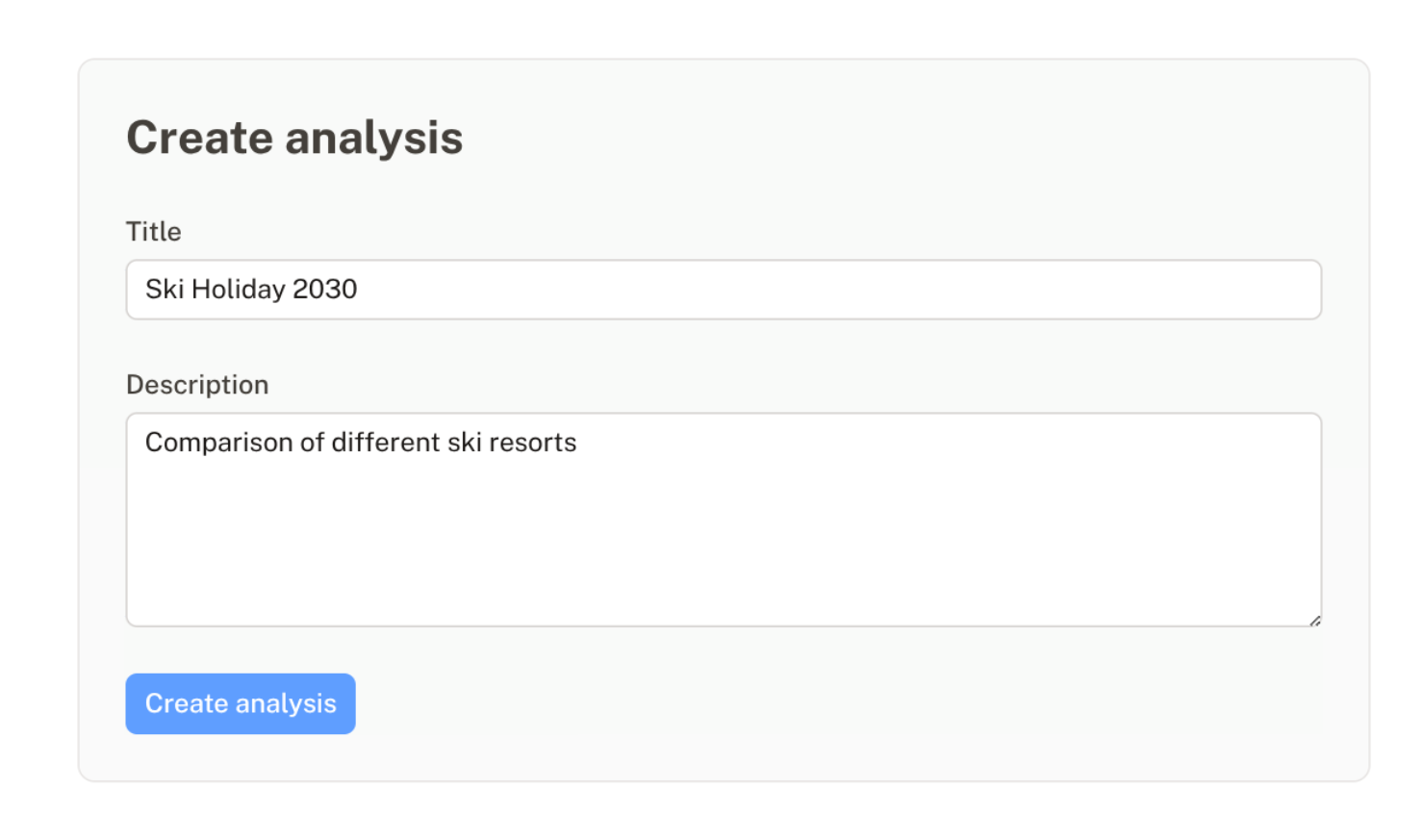
In the dashboard, click + Create Analysis.
Example:
- Title:
Ski Holiday 2030 - Description:
Comparison of different ski resorts
Click Create Analysis.
2. Define and Weight Criteria
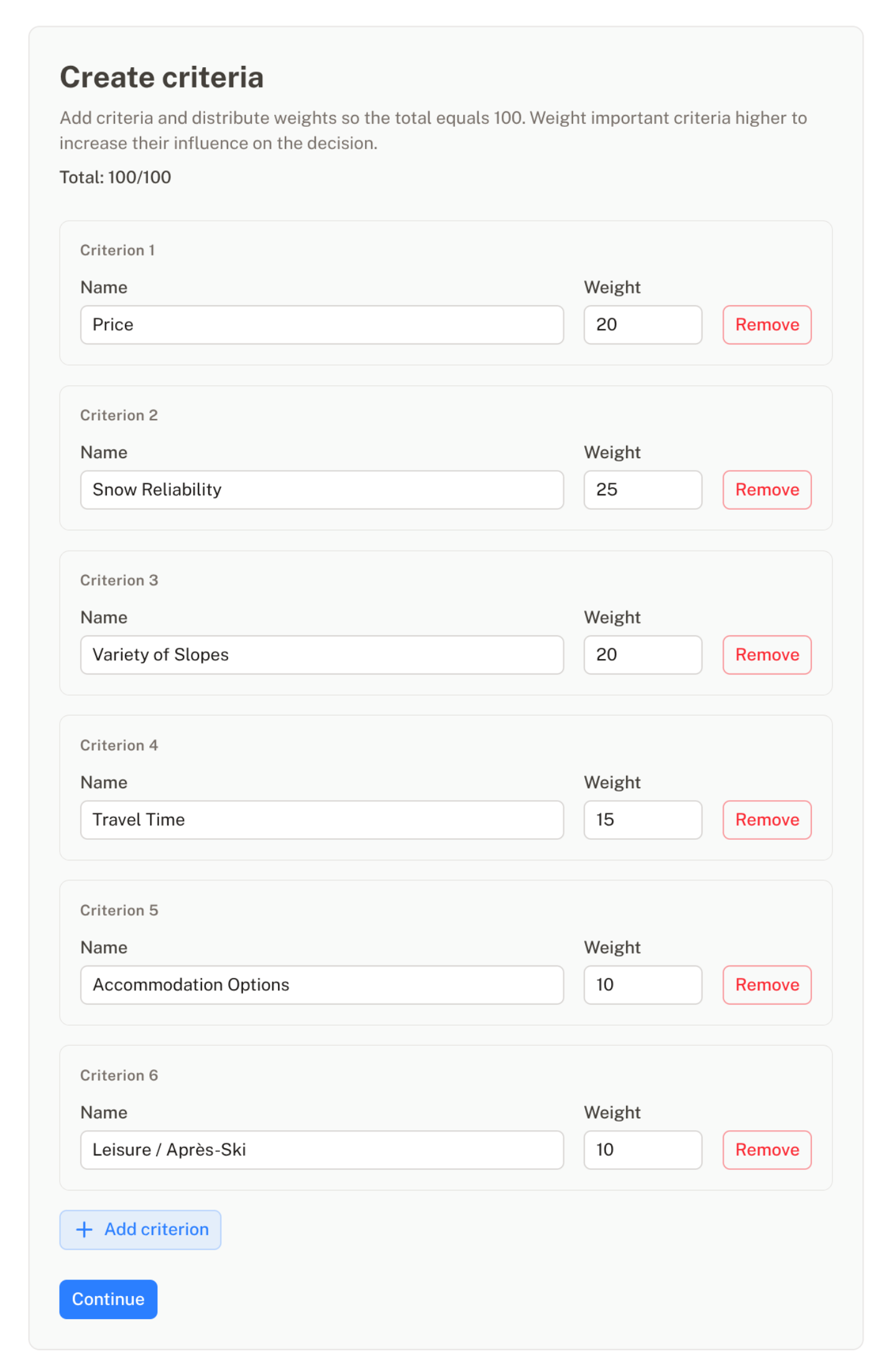
Criteria define the aspects according to which alternatives are evaluated.
The weight (whole number) determines the relative importance of each criterion.
Important: The total sum of all weights must equal 100.
Only if the total weighting equals 100 is the analysis valid and can be calculated.
Example:
| Criterion | Weight |
|---|---|
| Price | 20 |
| Snow Reliability | 25 |
| Variety of Slopes | 20 |
| Travel Time | 15 |
| Accommodation Options | 10 |
| Leisure / Après-Ski | 10 |
The higher the weight, the stronger the influence of the criterion on the overall result.
3. Add Alternatives
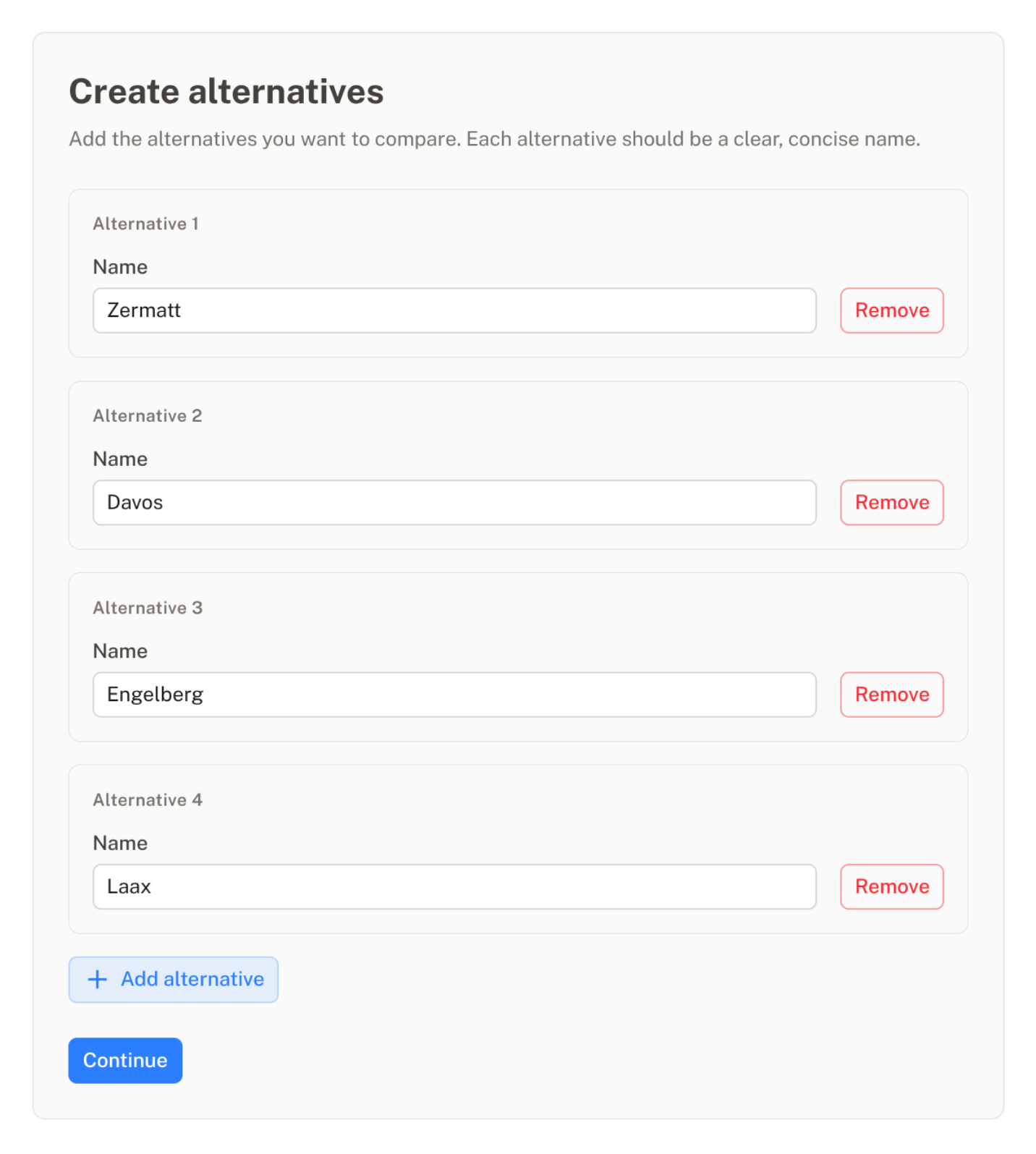
Example destinations:
- Zermatt
- Davos
- Engelberg
- Laax
Each alternative will later be evaluated individually for every criterion.
4. Enter Ratings
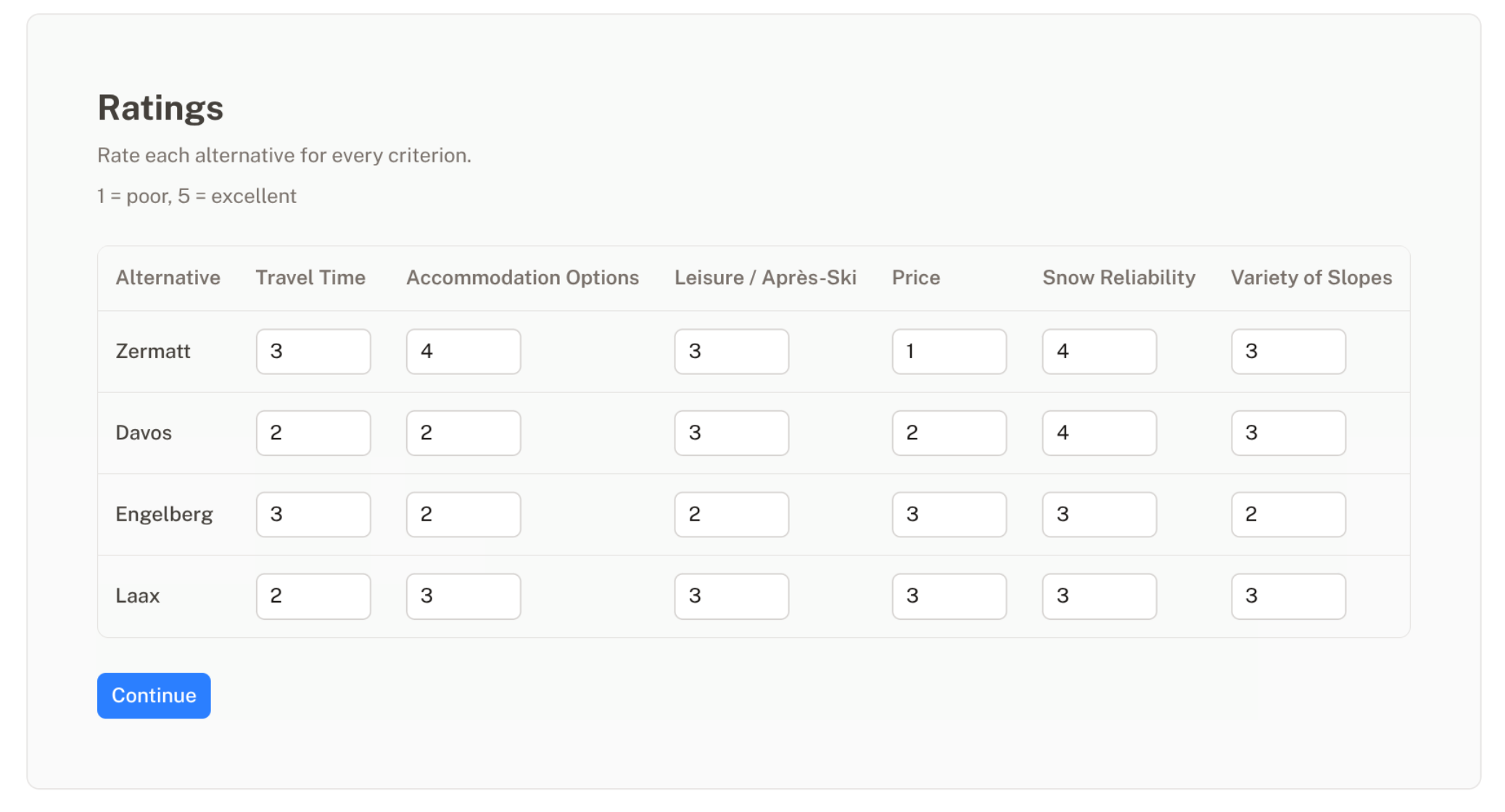
Each alternative is rated per criterion on a scale from 1 to 5:
- 1 = very poor
- 3 = average
- 5 = excellent
Ratings should be assigned in a consistent and as objective a manner as possible.
5. Analyze the Results
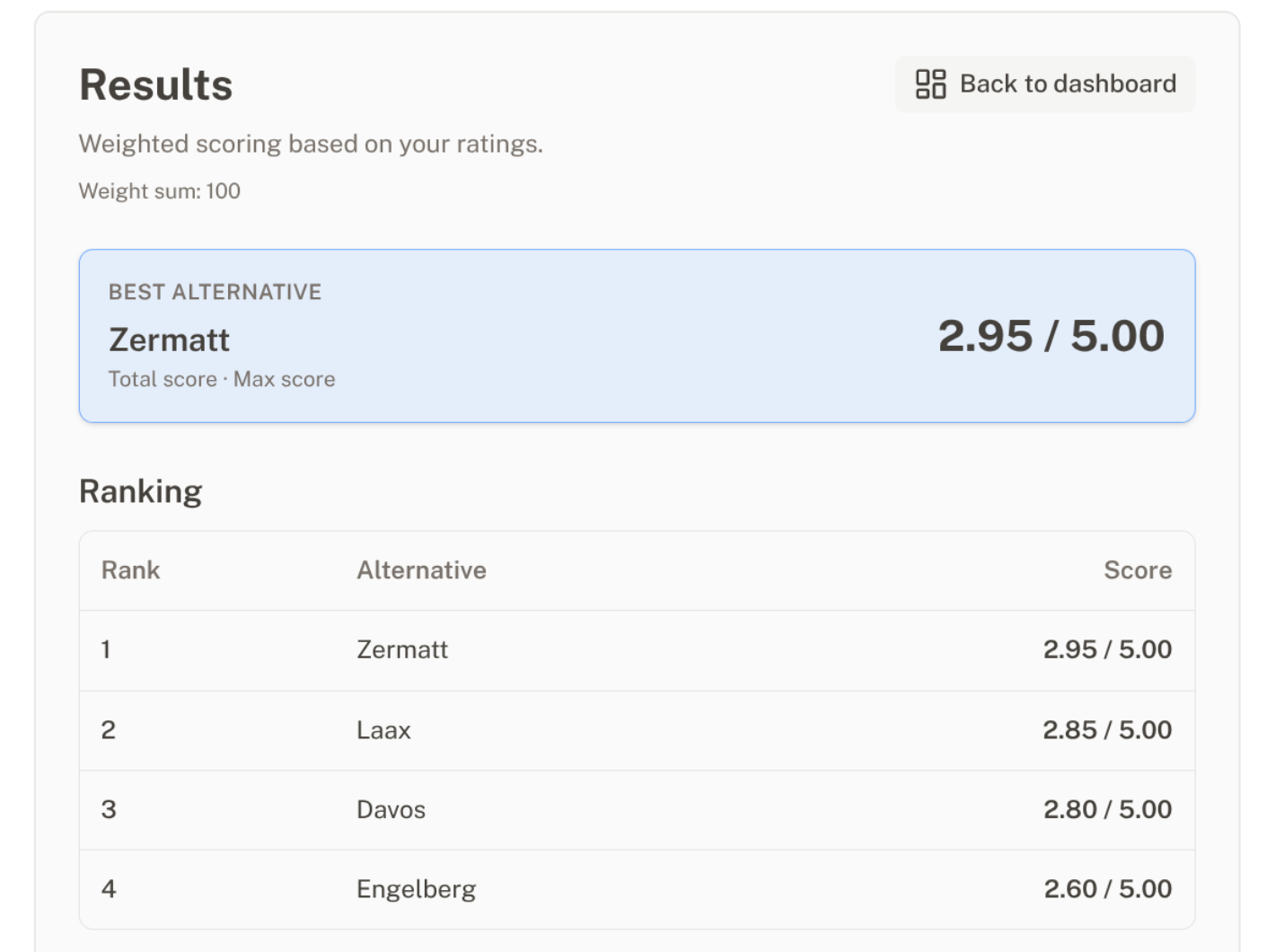
The application automatically calculates:
Rating × Weight
All weighted contributions are summed and displayed as a total score.
The ranking shows which alternative performs best according to the defined priorities.
Added Value of the Application
Utility analysis provides several advantages:
- Structured decision-making
- Transparent prioritization
- Objective comparability
- Traceable results
- Reduction of purely intuitive decisions
If the result does not match expectations, criteria or weights can be adjusted and the impact can be analyzed immediately.
This enables an iterative and reflective decision-making process.
Recommendations for Effective Use
- Avoid too many criteria (3–10 are usually sufficient)
- Define criteria clearly and precisely
- Assign weights deliberately
- Apply ratings consistently
The application is a decision-support tool – it does not replace personal judgment, but makes it transparent and systematic.